Chest Shops
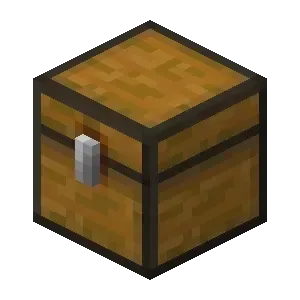
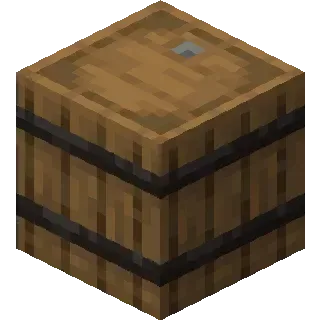
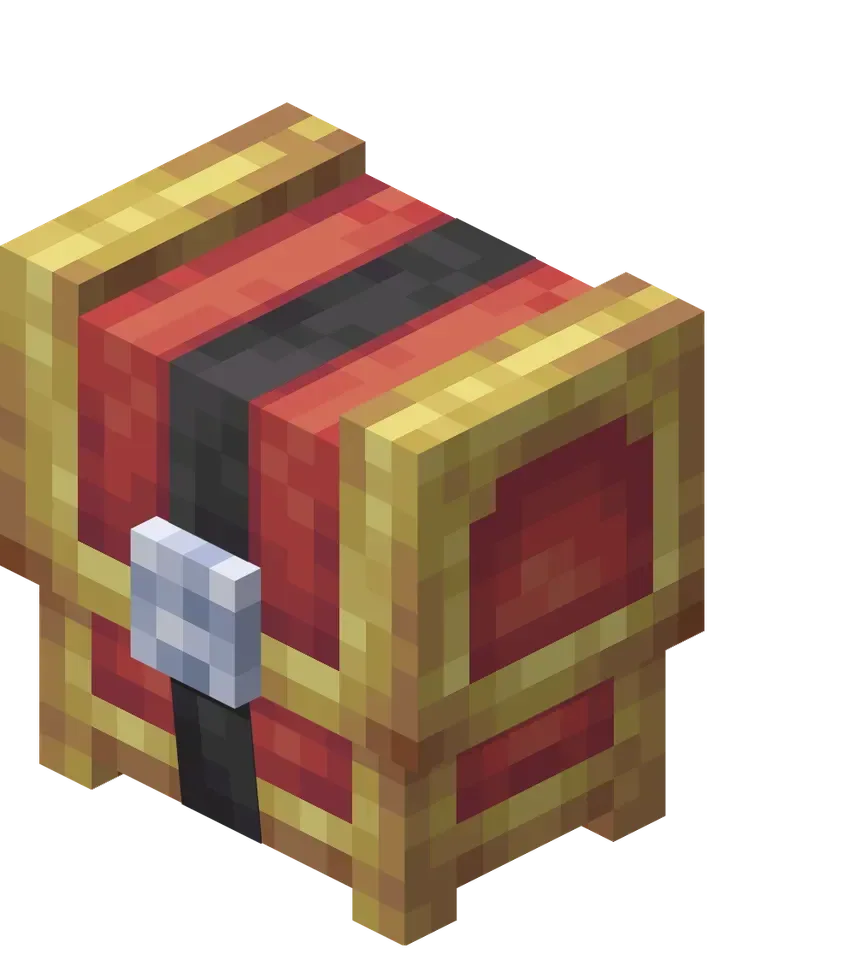
- You can create a Chest Shop by putting a sign on these different storage blocks.
| Chest | Barrel | Shulkerbox | Guilded Chest |
|---|---|---|---|
 |
 |
 |
 |
Sign Format Structure:
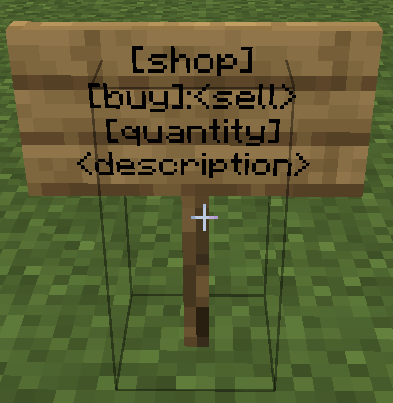
- First line: you must type
[shop] - Second line: Choose the type of shop you want to create and set the prices according to that type:\

- Third line: Enter the amount of the item that will be bought or sold per transaction.
- Fourth line (optional): Add a short description for your shop.
- Final step: Right–click the sign with the item you’re selling to link it.
- Make sure to refill the chest: items don’t spawn out of thin air!
- If you want to change the displayed item, just click the sign again while holding the new item.
| No display | 2D | 2D Spin | 2D Spin & Glass |
|---|---|---|---|
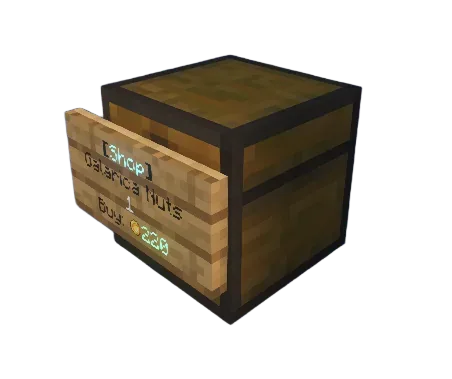 |
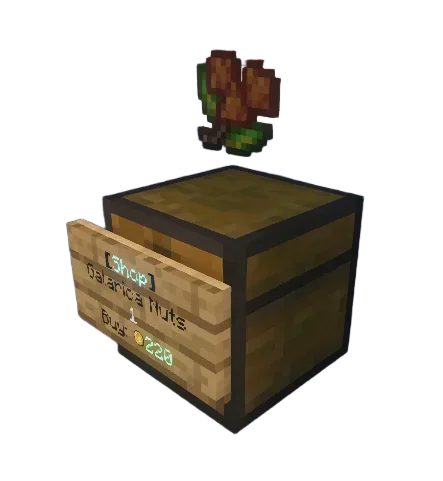 |
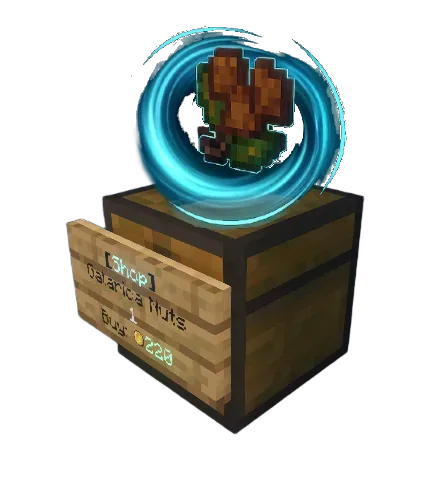 |
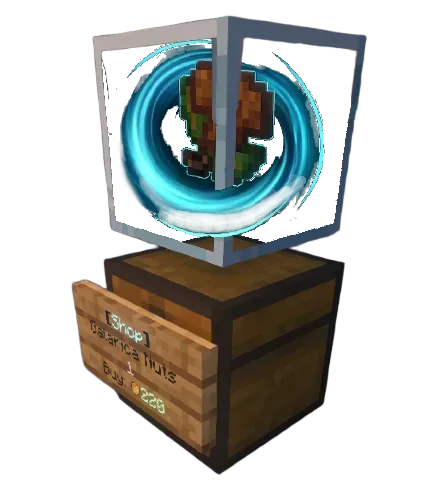 |
- To remove a ChestShop, you must remove the sign first.
- To disable shop notifications you can use the following command:
/chestshop toggle-notifications
Some example use cases for the shop
| MODE | SELL ONLY ⭐ | BUY ONLY | SELL n BUY |
|---|---|---|---|
| USE CASE | I want to sell a bundle of x16 pokéballs in the shop for 320🪙 | I want to buy a bundle of x8 ultraballs from the shop for 160🪙 | I want to sell x1 masterball all at 6,500🪙 in my shop and also be able to buy x1 for 5,000🪙 |
| SIGN | 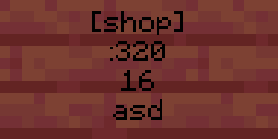 | 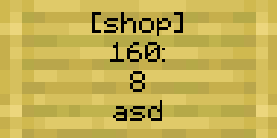 | 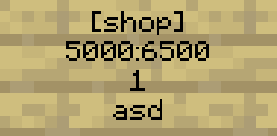 |
| RESULT | 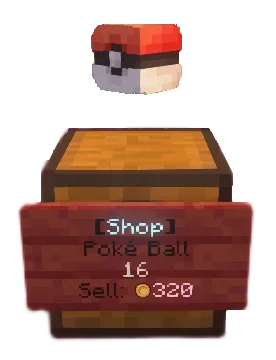 | 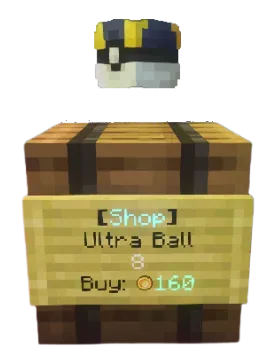 | 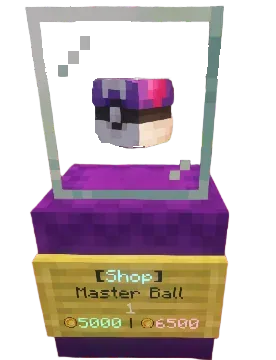 |